01 / Continuity
Design, direction, and animation share one project.
The user does not have to rebuild composition context in a separate timeline application.
Wael GamilFrontend Engineer
Portfolio / 20262026 / Independent product · art-direction instrument
in progress
A focused studio for turning raw product media into composed, animated, export-ready showcases.
ContextIndependent product / Visual showcase studio
RoleFrontend Engineer / Product Builder
Focusfrontend / product / creative web
ContributionWael Gamil designed and built Showcase Director as an independent frontend product for composing, animating, and exporting product-media showcases.
Showcase DirectorLaunching soon
Get notified at launch ↓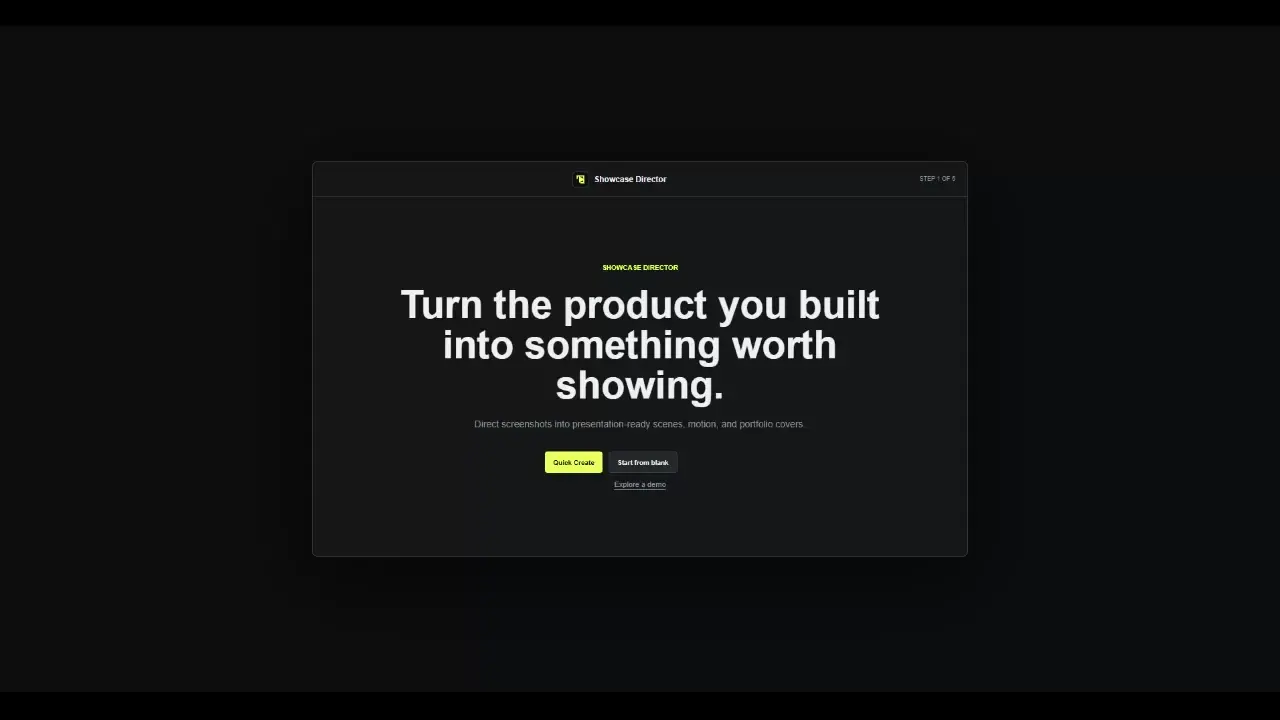
01
The job
Showcase Director is not a screenshot wrapper. It is a workspace for composing product images into scenes, controlling their framing, sequencing motion, and exporting presentation-ready output.
A small directing surface between raw screenshots and the story they need to tell.
The recorded workflow starts with screenshots or video, then asks which image is primary, supporting, or optional detail. That role-based setup gives Quick Create enough intent to establish a useful starting composition.
From there, every generated scene remains editable. The system accelerates the blank-canvas moment without hiding the art-direction work that follows.
02
Composition model
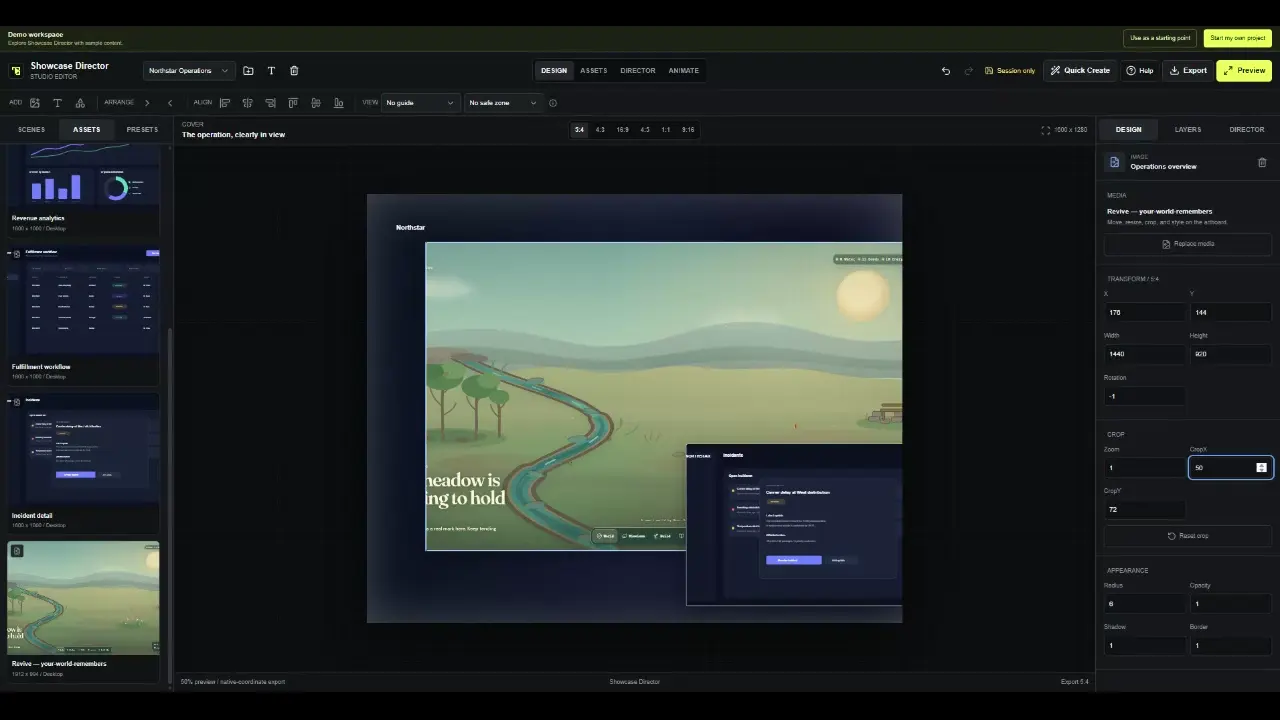
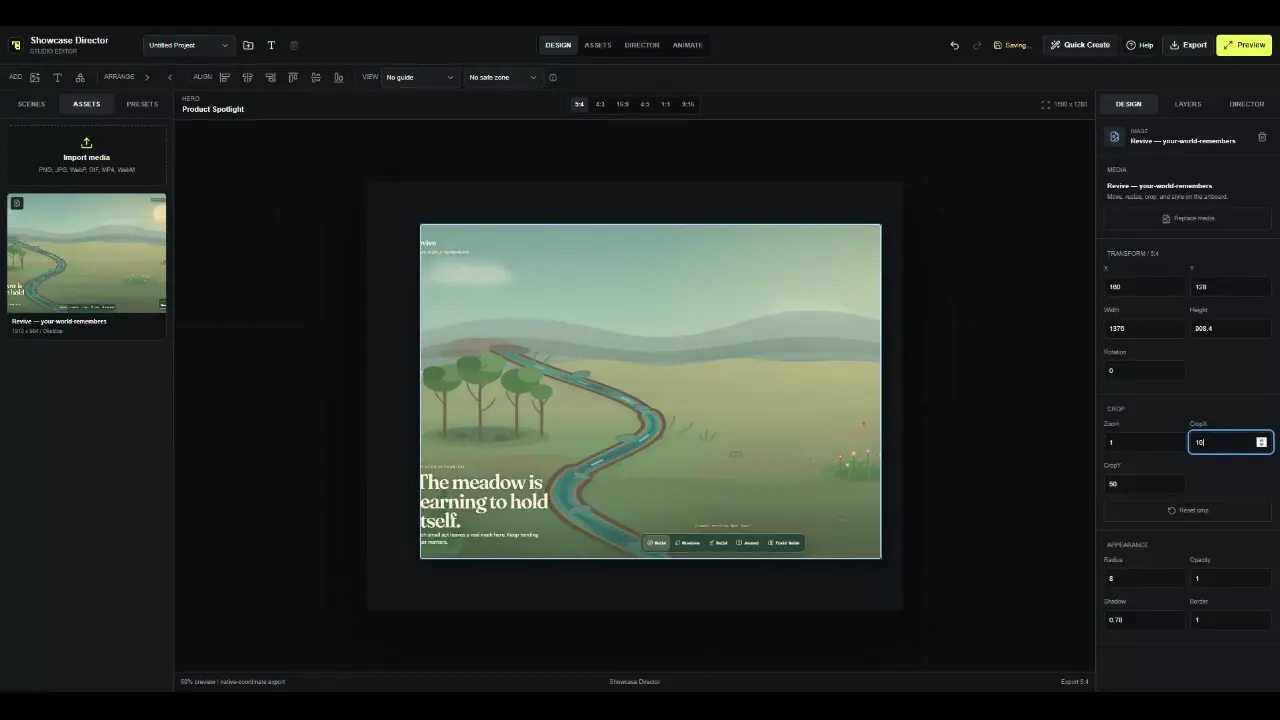
The studio combines direct manipulation with exact controls. Artboards expose native dimensions and aspect presets; the inspector makes position, size, rotation, crop, radius, opacity, shadow, and border explicit.
03
Direction and output
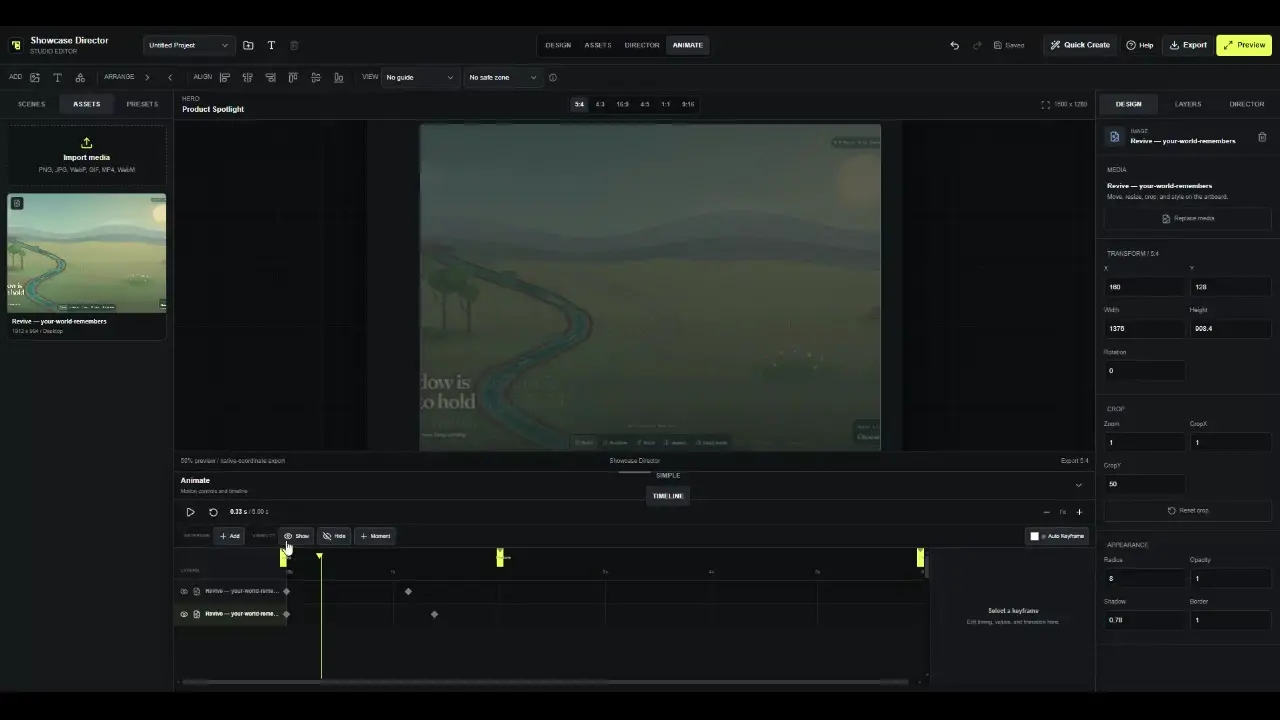
The Animate workspace exposes layers, moments, a playhead, keyframes, looping, motion presets, and duration. Export then translates that direction into a still or motion artifact with practical quality controls.
01 / Continuity
The user does not have to rebuild composition context in a separate timeline application.
02 / Assistance
Onboarding, screenshot guidance, presets, and generated starts coexist with a fully editable workspace.
03 / Output
Recorded controls cover still and motion modes, quality presets, dimensions, FPS, looping, palette, and dithering.
04 / Launch list